When you upload pictures of your shelves the site does its best to find a match for every book. Occasionally, much to everyone’s dismay, a book is mismatched, unmatched or missed entirely - perhaps there is reflected light on the spine, or the text is too small. Now Where’s That Book offers you a way to correct these mistakes.
In this case the book on the shelf is Your Name Here by Helen DeWitt and Ilya Gridneff, but it has been matched to Your Name Here by John Ashbery.
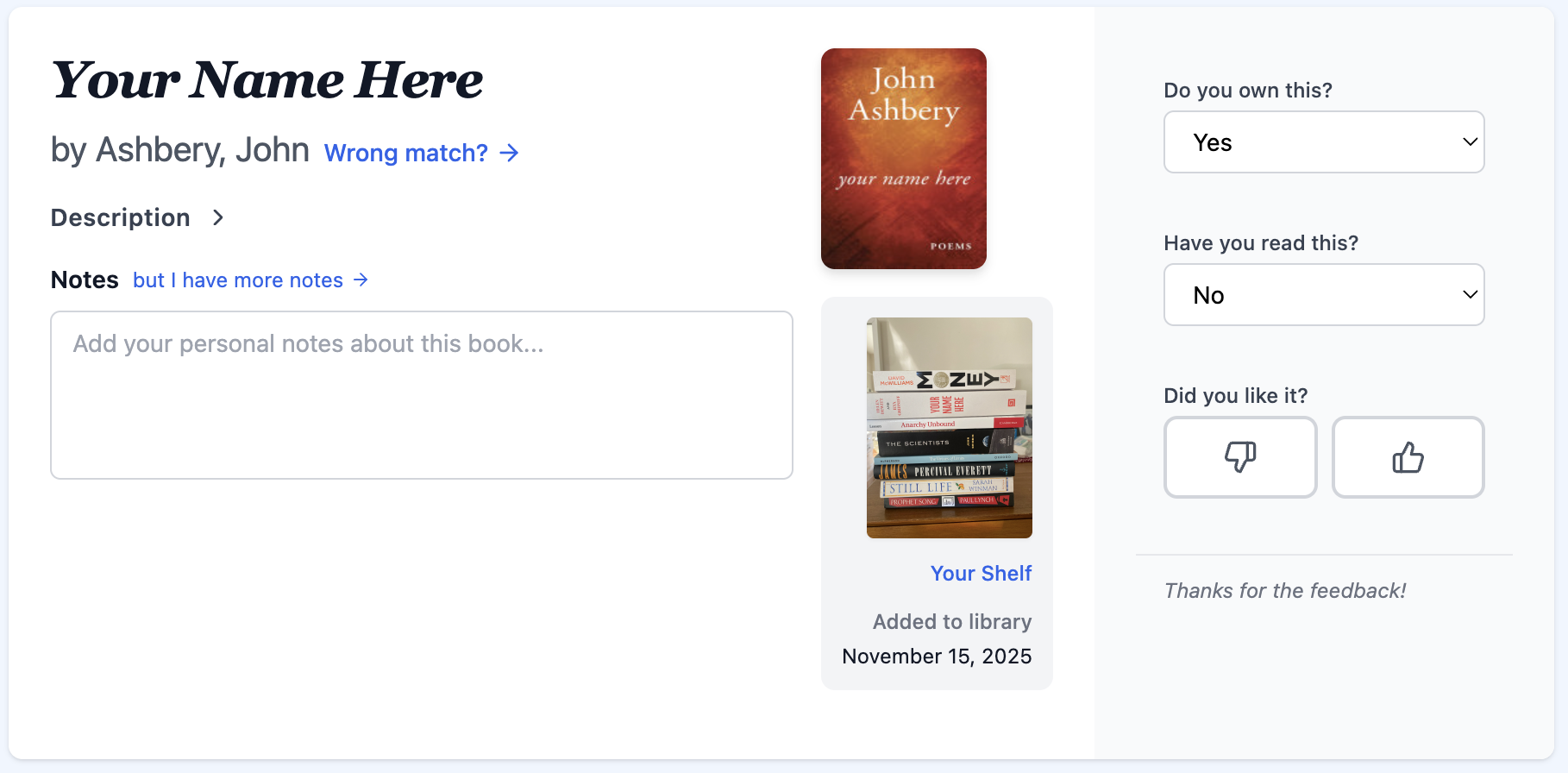 Click on the “Wrong Match?” link below the book fix the match. You will be taken to a page where you can search for the correct book and the text the site found on the book spine will be pre-populated.
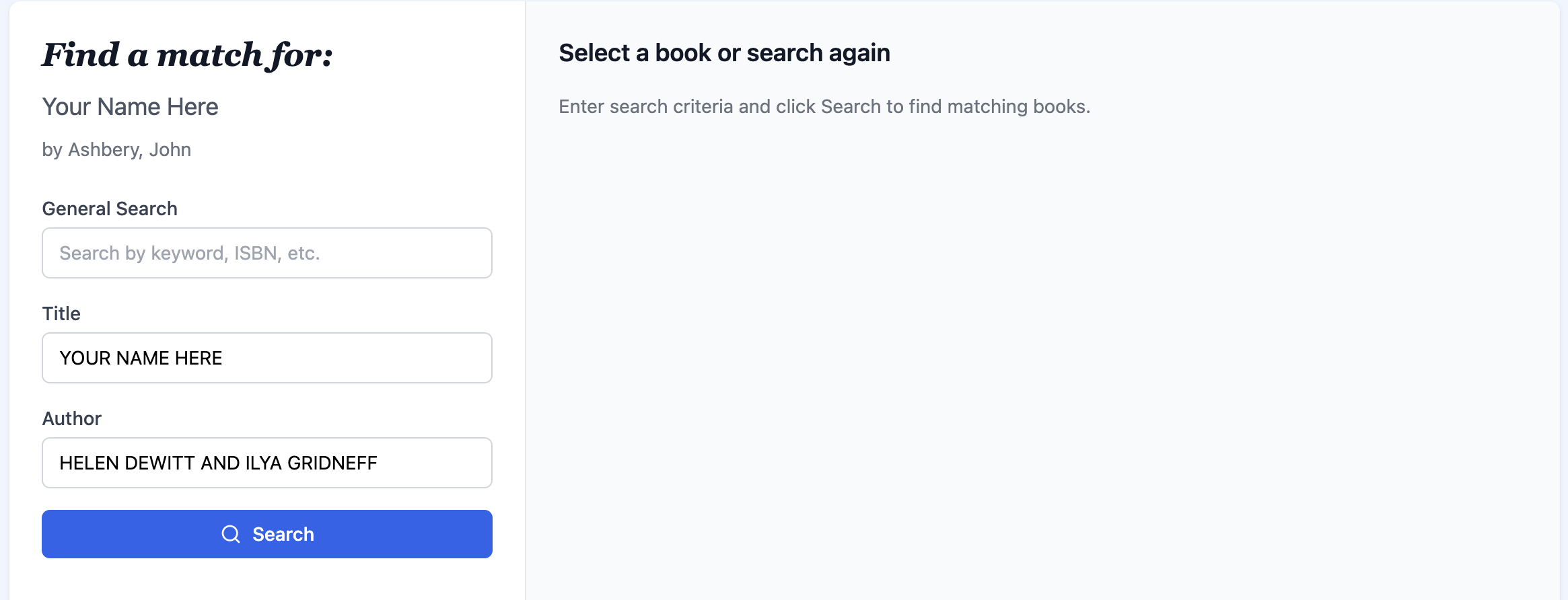 Click search and you’ll see a result you might want to choose, or perhaps not.
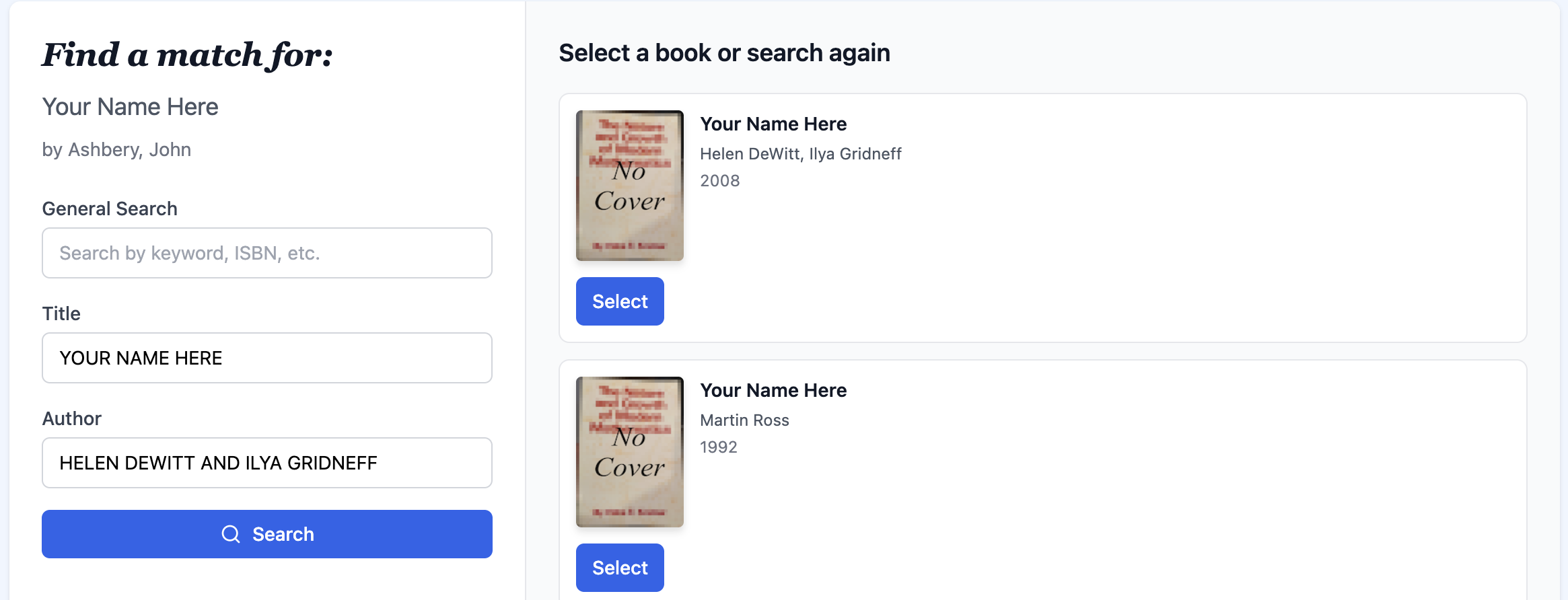 If these results are not to your taste you can try again. Often using the General Search form field gets you quite different results.
 Select the result that you like and you’ll be taken back to the book page with the corrected match.
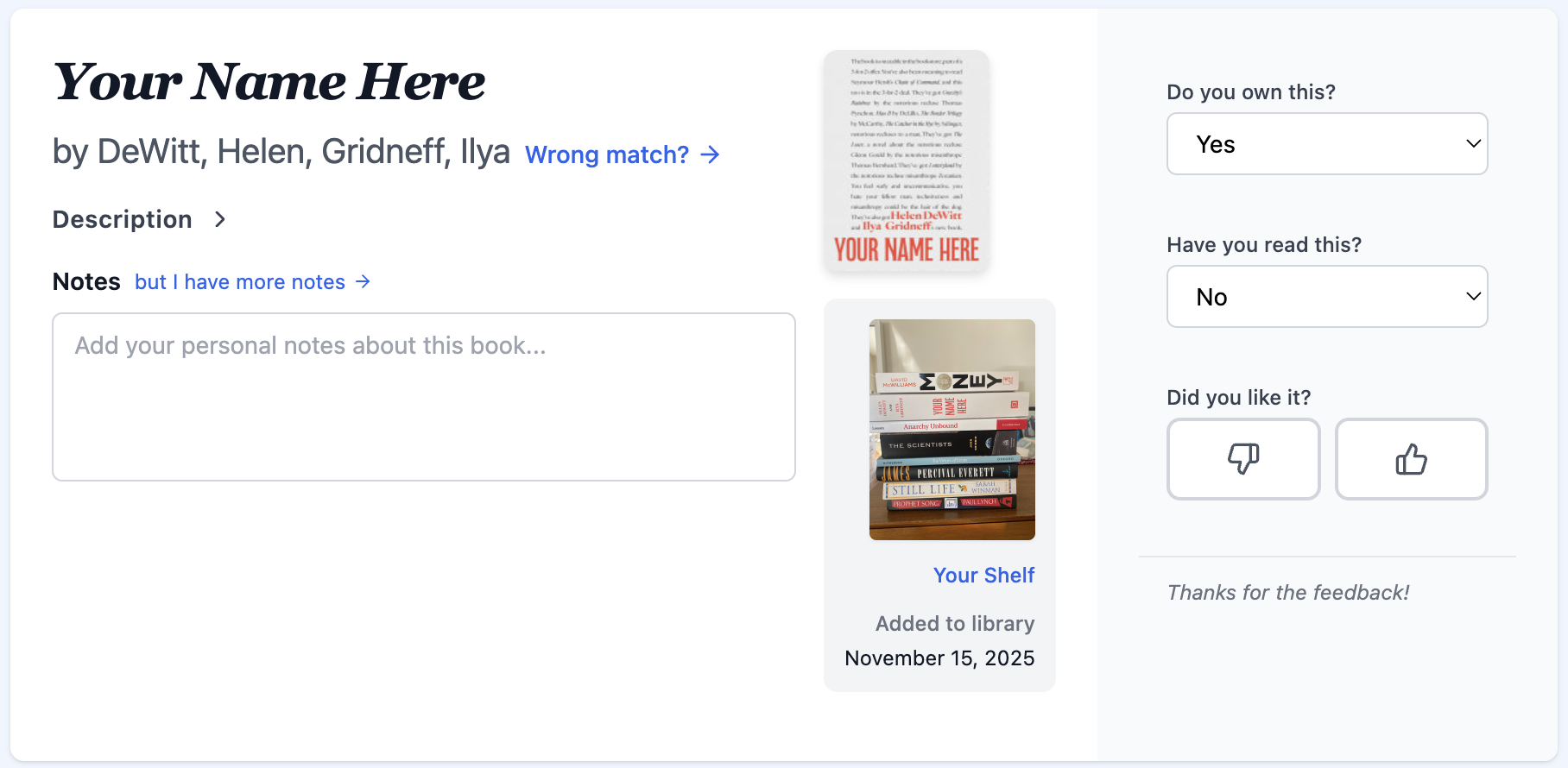 You can do the same thing when the site doesn’t find a match at all. Just click the “No Match? Find one” link below the title and author and follow the same process.
And finally you can add a book that wasn’t found at all. Go to the relevant shelf picture and click “Add a missing book”.
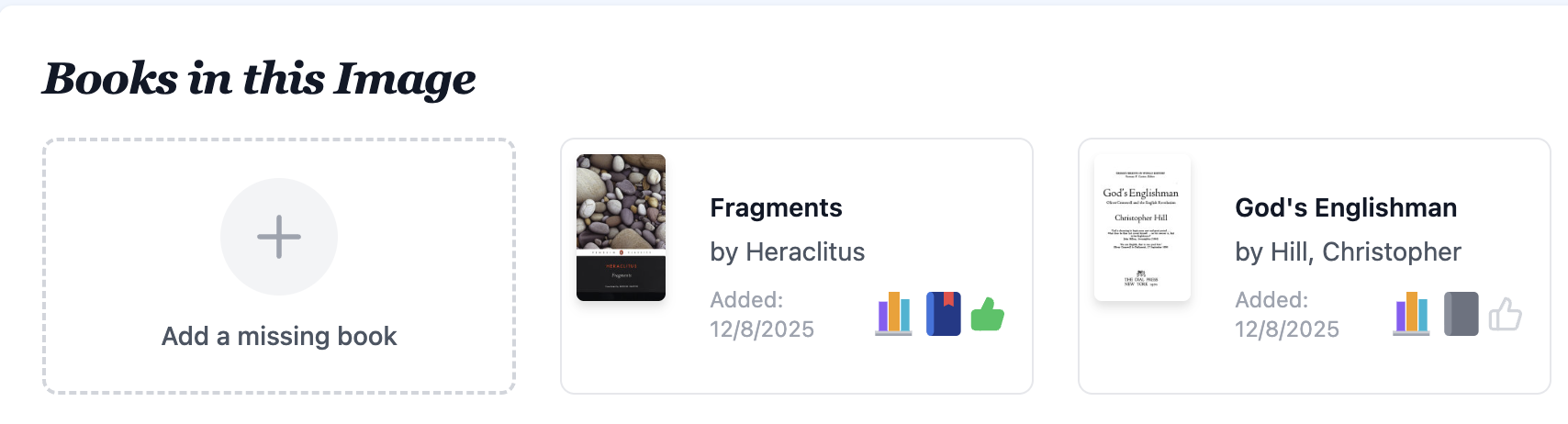 Again, search for the book you want to match and select it, but this time you can also add the details about ownership etc.
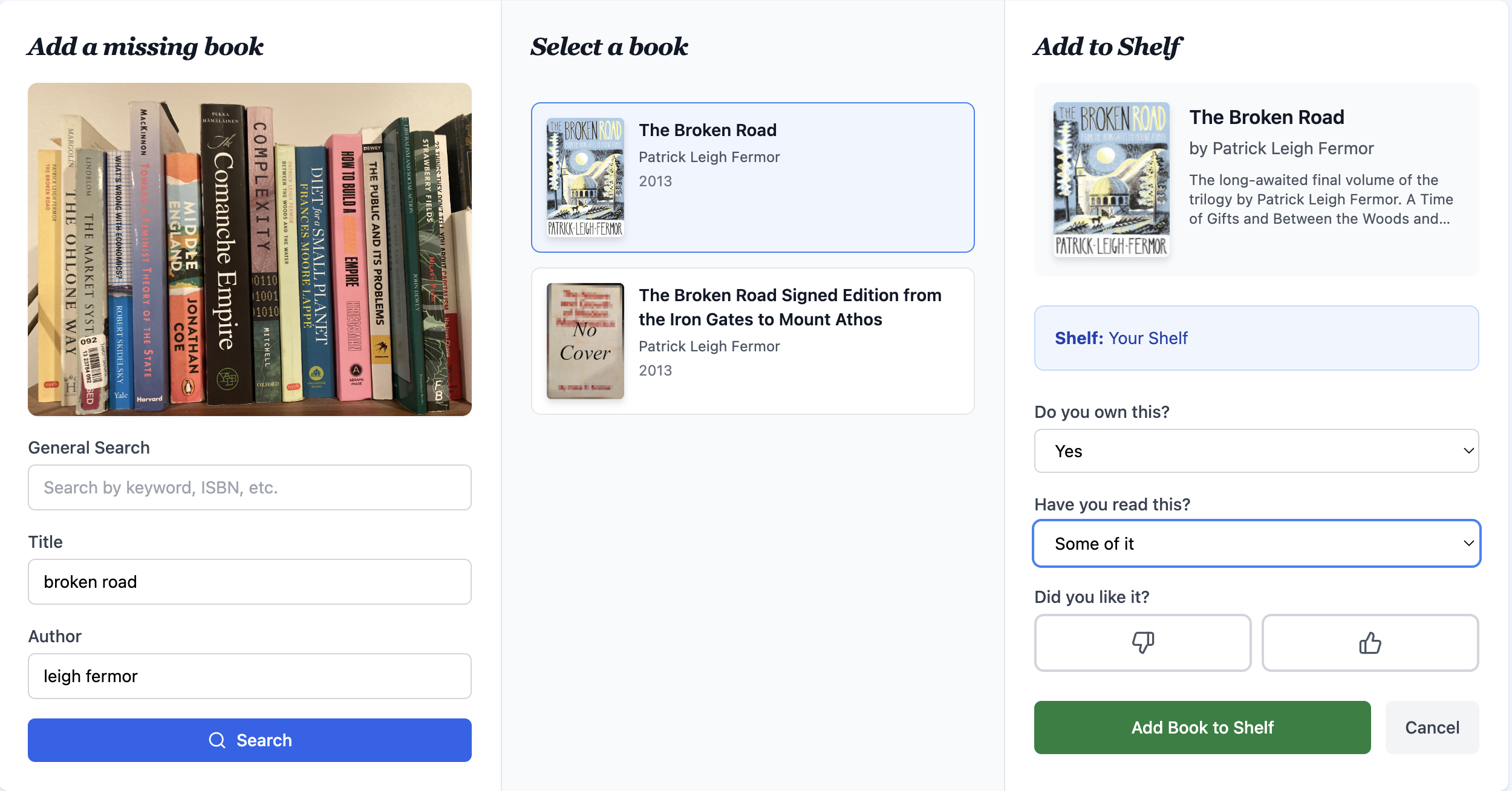 I try and do this every time I upload a new picture to keep everything up to date, but of course it’s up to you when or even if you do it.