When you are cataloging all the books you own it’s really efficient to be able to upload images of the books on shelves. But new books come into your life all the time and personally I don’t want to immediately put them on a shelf, even if I won them. I like to keep them lying around to remind me to read them. And sometimes I see a book out in the world, at a friend’s house or in a book shop, that I want to remember. In those instances I want to be able to add just one book. Fortunately, Where’s That Book now allows you to add one book by snapping its cover.
The Upload Book Photos page now has a new tab: Upload a single book cover. Add your cover image here, select the shelf you want it to go on and whether you own and have read it.
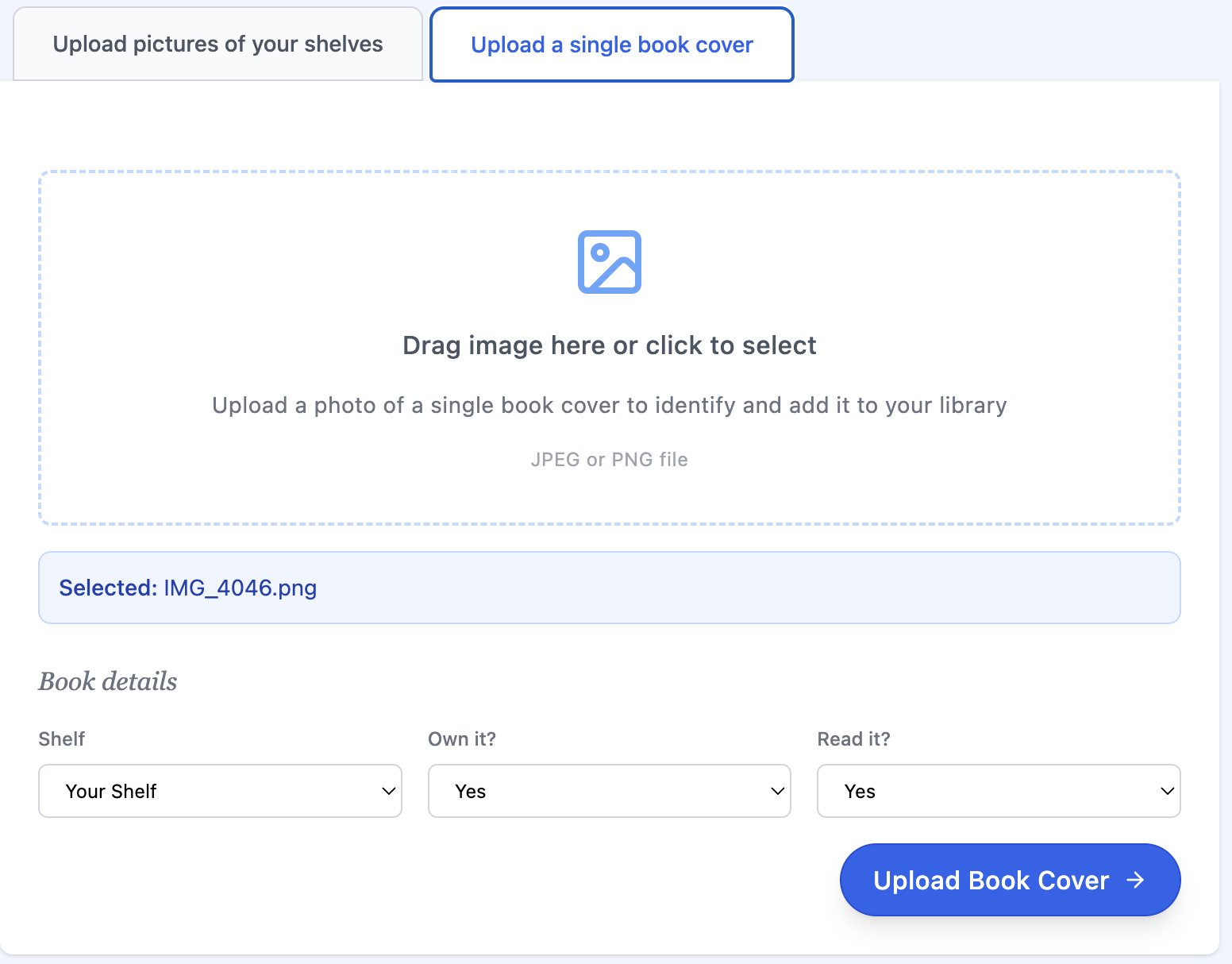
When you click Upload Book Cover Where’s That Book will start processing the image. It takes a few seconds to process the book:
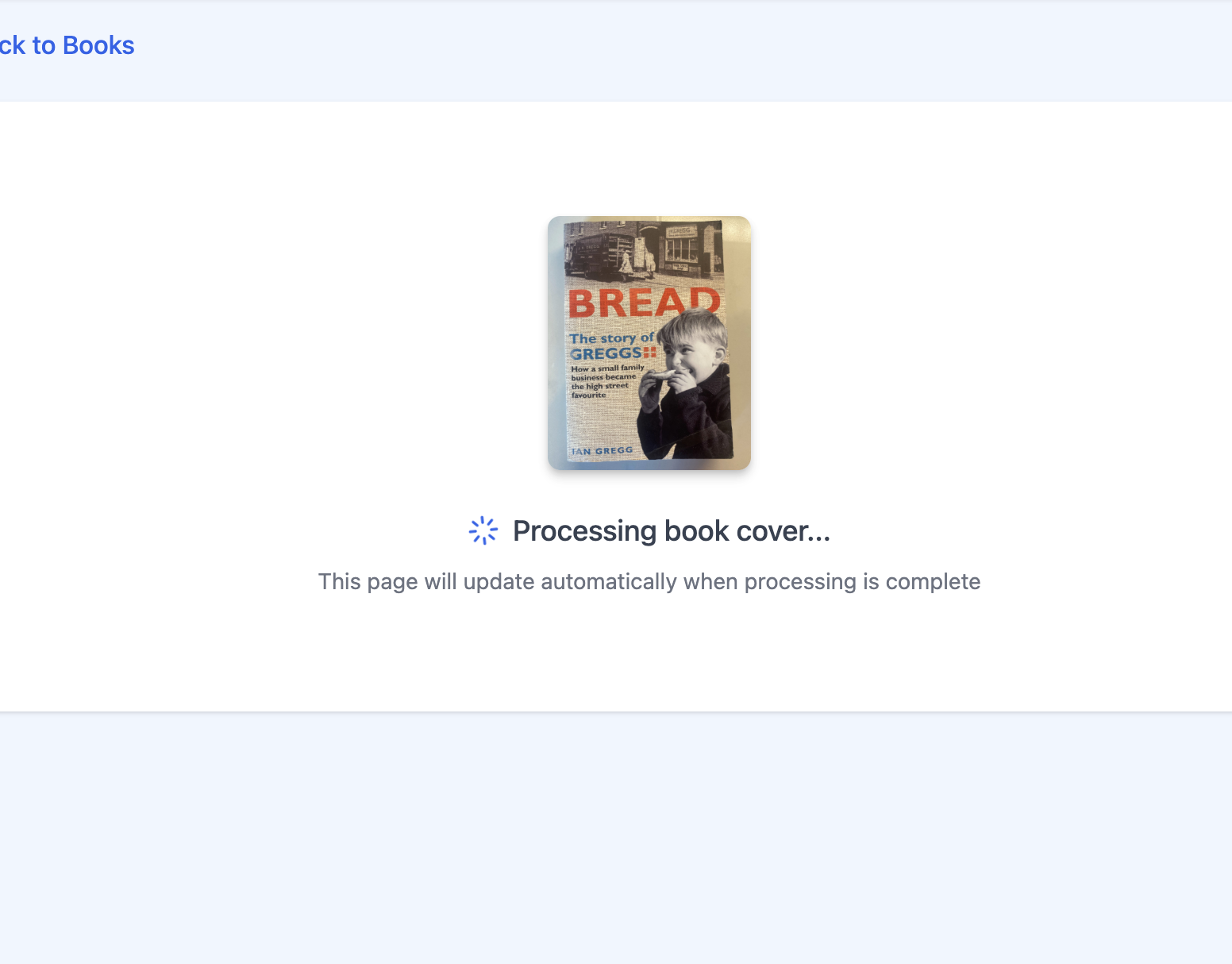
But eventually the new book will show up. Although the book has been added, Where’s That Book might be taking a little more time to find a match for it. Initially you might see something like this:
 But eventually the match will be made: